| Getting Started Button |
| List of: | Discussion Topic | |
| Contents: | Online Help Guide | |
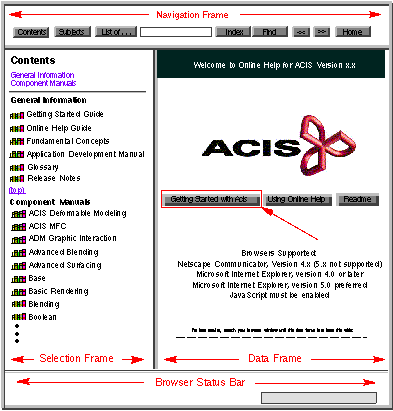
| The Getting Started button is located near the center of the data frame of the splash page. Click on the Getting Started button to display the table of contents of the 3D ACIS Getting Started Guide. From the table of contents, you can browse through the manual page by page just like you would with a printed book, or you can click on the topics that most interest you. | |||||
|
|
|||||
| Figure 2-14. Getting Started Guide | |||||